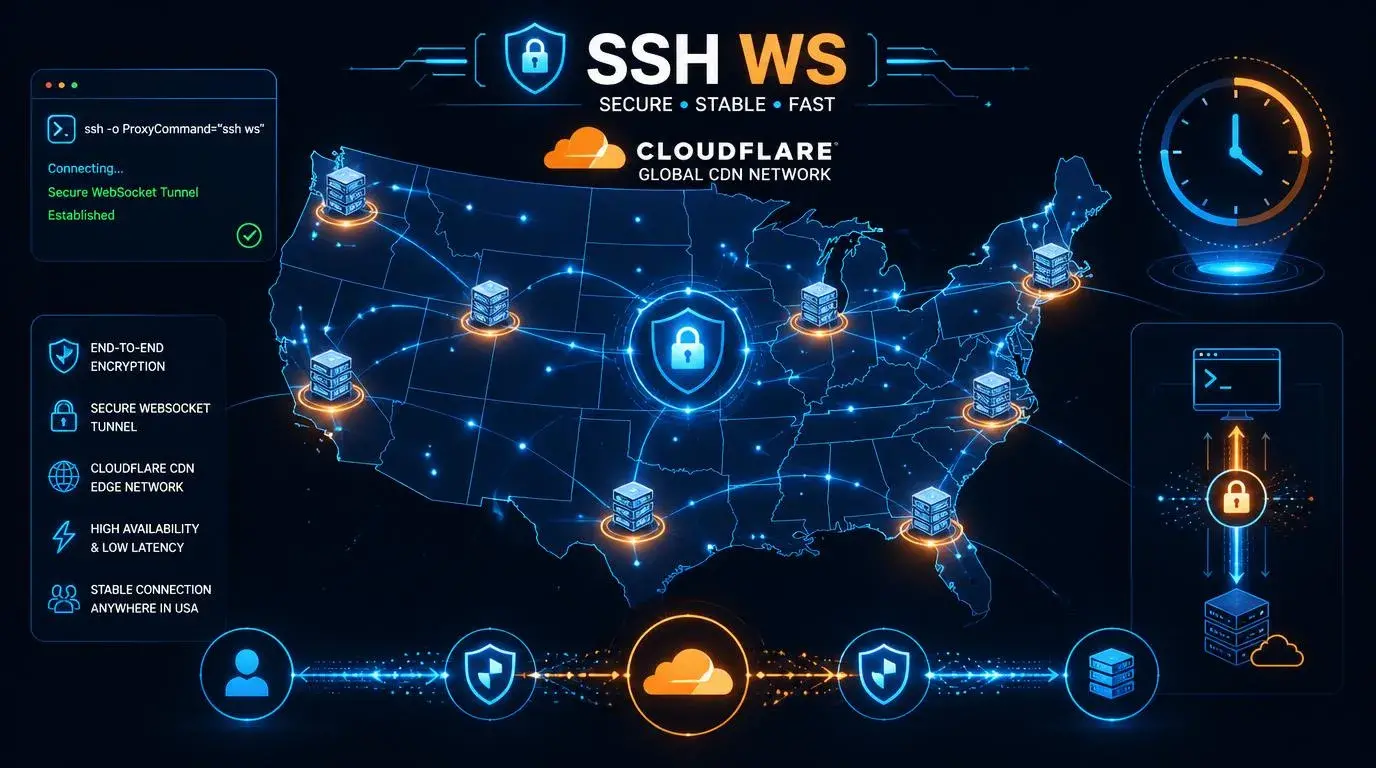
greenssh.net – There is a reason SSH WebSocket with Cloudflare CDN has become the gold standard for tunnel users. It combines the encryption strength of SSH with the global infrastructure of Cloudflare, resulting in connections that are fast, stable, and incredibly difficult to block.
If you have been looking for a way to get reliable internet access with minimal latency and maximum security, SSH WS through Cloudflare CDN is probably your best bet. And yes, you can get it for free with accounts that last up to 3 days.
Let me show you how it all works and how to set it up properly.
What Makes SSH WebSocket Different from Regular SSH?
Regular SSH connects your device directly to a remote server using TCP on port 22. Simple, secure, and effective — until your network decides to block port 22, which happens more often than you would think.
SSH WebSocket solves this problem by wrapping your SSH connection inside the WebSocket protocol. WebSocket uses port 443 (the same port as HTTPS), which means it looks like regular encrypted web traffic to your network. Almost no network blocks port 443 because doing so would break every secure website on the internet.
The result? Your SSH tunnel gets through where regular SSH cannot.
Where Does Cloudflare CDN Fit In?
Here is where things get really clever.
Cloudflare operates one of the largest CDN (Content Delivery Network) systems in the world. They have servers in virtually every country, and their network is optimized for speed and low latency.
When you route your SSH WebSocket connection through Cloudflare, several things happen:
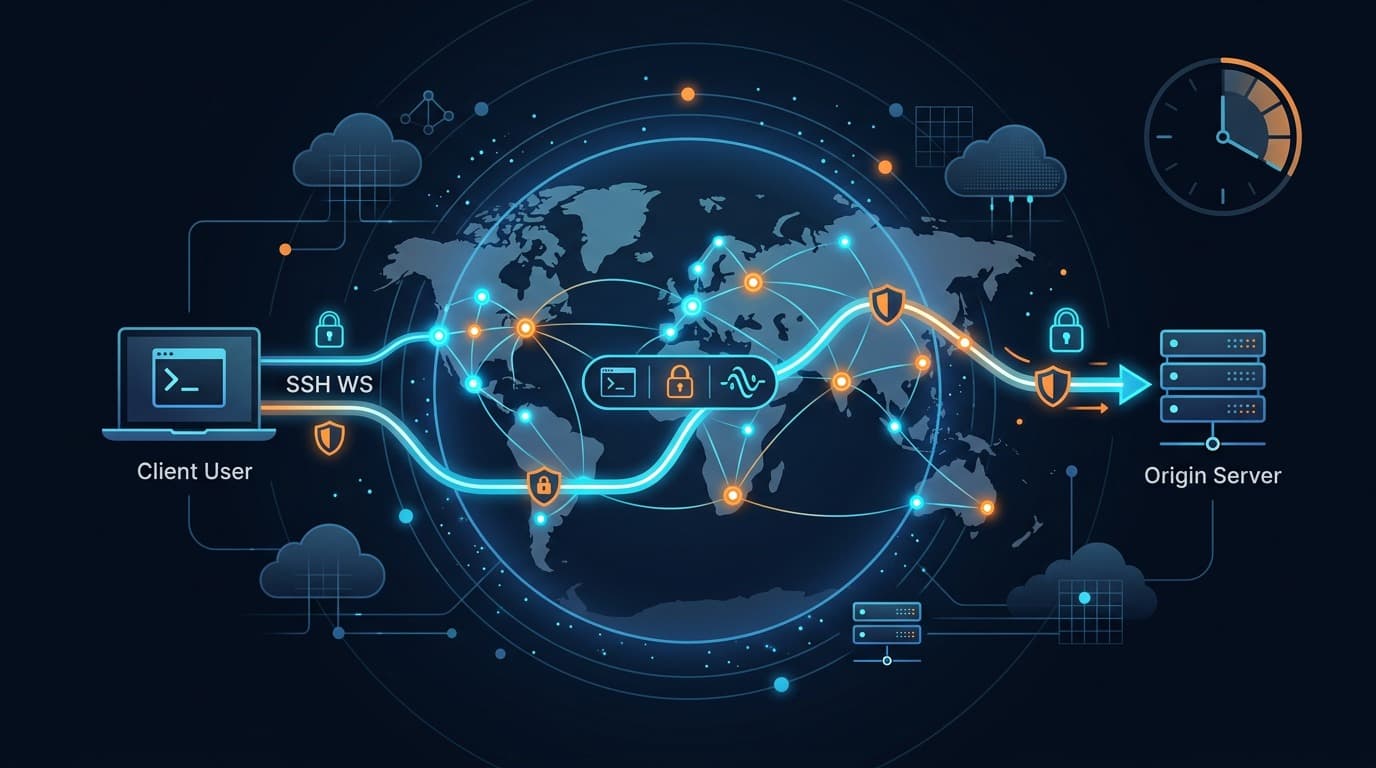
Your traffic gets distributed across Cloudflare edge servers. Instead of connecting directly to one SSH server that might be far away, your data first hits the nearest Cloudflare node, which then routes it optimally to your destination.
The connection becomes harder to identify and block. Since millions of legitimate websites use Cloudflare, your tunnel traffic blends in with normal web traffic.
You often get better speeds. Cloudflare optimizes routing between their nodes, which can result in lower latency than a direct connection in many cases.
Reliability improves significantly. Cloudflare has built-in DDoS protection and redundancy. If one path goes down, traffic automatically reroutes through another.
Why Free 3-Day Accounts Are Perfect for Most Users
Three days might not sound like much, but for the way most people use these accounts, it is plenty.
Here is the reality — free SSH WS accounts exist so that users can test servers, find the best locations, and decide if the service works for them. If an account expires, you simply create a new one in about 30 seconds.
The 3-day cycle actually has an advantage: it forces you to rotate accounts regularly, which is better for privacy. No single account accumulates a long history of your browsing patterns.
For users who need longer-term stability, premium accounts with 7-day or 30-day lifespans are always available.
Step-by-Step Setup Guide
What You Need
- A free SSH WebSocket account (username, password, server host)
- A tunnel app (HTTP Injector, HTTP Custom, or similar)
- The correct CDN/SNI host (usually provided with your account)
- Port 443 for the connection
Configuration Steps
1. Create your account. Visit your SSH provider, select a WebSocket CDN server, choose your preferred location, and register. You will receive a hostname, port (usually 443), username, and password.
2. Open your tunnel app. Go to the SSH settings section. Enter the server hostname, port 443, your username and password.
3. Set up the payload. For SSH WebSocket, you need a WebSocket upgrade payload. The standard format looks something like this:
GET / HTTP/1.1[crlf]Host: [host][crlf]Upgrade: websocket[crlf]Connection: Upgrade[crlf][crlf]
Replace [host] with the CDN host or SNI provided by your service.
4. Configure SNI (Server Name Indication). This should match the CDN hostname. It tells Cloudflare where to route your connection.
5. Connect. Hit the start button and wait for the handshake to complete. You should see “Connected” within a few seconds.
Optimizing Your SSH WS CDN Connection
Once you are connected, here are the tweaks that make a noticeable difference:
Server location matters enormously. Choose the server closest to your physical location for the lowest latency. If you are in Southeast Asia, do not connect to a US server unless you specifically need a US IP address.
Test different Cloudflare SNI hosts. Some hosts route better than others depending on your network. Common options include popular CDN-hosted domains. Your provider usually suggests the best ones.
Use TCP instead of UDP payload mode if your app supports it. TCP is more reliable through Cloudflare.
Avoid peak hours when possible. Free servers get crowded during evenings and weekends. Early morning connections are typically faster.
Monitor your connection stability. If you notice frequent disconnects, try a different server. Some servers handle WebSocket traffic better than others.
Troubleshooting Common Problems
Payload rejected or 400 Bad Request: Your WebSocket headers are incorrect. Double-check the format, especially line endings (must be [crlf] not regular newlines).
Connected but slow: The server is likely overloaded. Try a different server or wait for off-peak hours.
Connection drops every few minutes: Some free accounts have connection time limits. Reconnecting is normal. Also check if your device has battery optimization that kills the app in the background.
Cannot connect at all: Make sure port 443 is not blocked on your network (rare but possible). Also verify your account has not expired.
SSH WS CDN vs Other Tunnel Methods
vs Regular SSH: SSH WS CDN wins on compatibility and stealth. Regular SSH is faster when port 22 is available.
vs SSH SSL/TLS: Similar security, but SSH WS CDN benefits from Cloudflare routing optimization.
vs OpenVPN: SSH WS CDN is harder to detect and block. OpenVPN is easier to set up but more recognizable to DPI systems.
vs SlowDNS: SSH WS CDN is dramatically faster. Use SlowDNS only when WebSocket connections are also blocked.
Security and Privacy Notes
Your data is encrypted through SSH, so the content of your traffic is protected. However, Cloudflare can technically see that connections are being made through their network (though not the encrypted content).
For everyday browsing and general privacy, this setup is more than adequate. For highly sensitive activities, consider a premium service with strict no-log policies and dedicated servers.
Final Thoughts
SSH WebSocket CDN Cloudflare is hands-down one of the best free tunneling methods available today. It offers a rare combination of speed, security, reliability, and ease of use that other methods struggle to match.
The 3-day account cycle keeps things fresh and private, the setup takes less than five minutes, and the performance rivals many paid VPN services. If you have not tried it yet, you are missing out.
Frequently Asked Questions
Is SSH WebSocket through Cloudflare safe?
Yes. Your traffic is encrypted by SSH, and Cloudflare adds an extra layer of transport security. It is one of the more secure free tunneling methods available.
Why do free accounts only last 3 days?
This prevents abuse and ensures server resources stay available for all users. Creating a new account takes less than a minute.
Can I use this for gaming?
It depends on the game. Low-bandwidth games like mobile strategy games work fine. FPS games requiring ultra-low ping might experience too much latency.
Does this work on all networks?
It works on most networks since it uses port 443. The only exceptions are networks that actively inspect and block WebSocket upgrade requests, which is uncommon.
How much data can I use?
Most free accounts have unlimited bandwidth but share server resources with other users. Fair usage is encouraged.