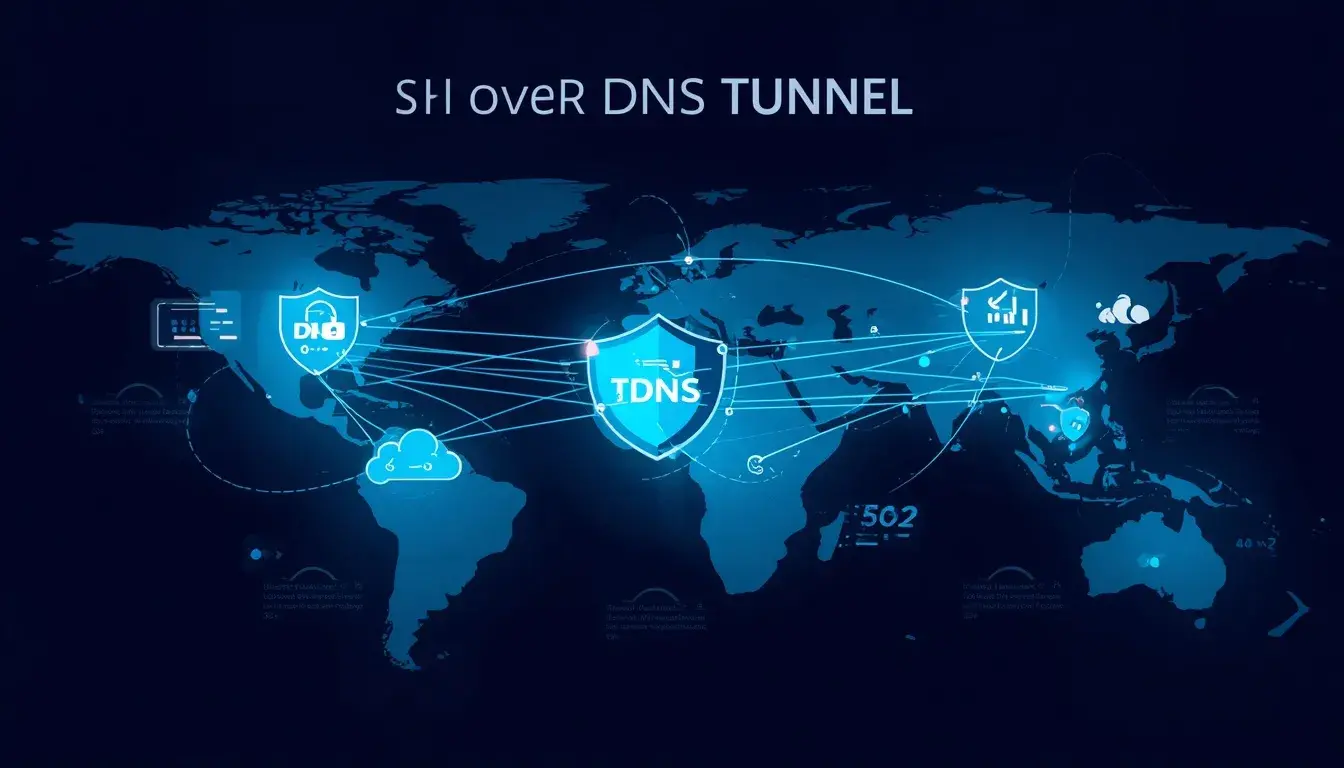
greenssh.net – Ever been stuck on a network where nothing seems to work? No HTTP, no HTTPS, maybe even ports completely blocked — but somehow DNS queries still go through. That is exactly the scenario where SSH over DNS, better known as SlowDNS, becomes your lifeline.
It sounds a bit technical at first, but stick with me. By the end of this guide, you will understand exactly how SlowDNS works, why it exists, and how to set it up yourself for free.
What Is SSH Over DNS (SlowDNS)?
Here is the simplest way I can explain it.
Every time you type a website address into your browser, your device sends a DNS query to translate that domain name into an IP address. Most networks — even heavily restricted ones — allow DNS traffic to pass through because blocking it would essentially break the entire internet for everyone on that network.
SlowDNS exploits this. It wraps your SSH connection data inside DNS queries and responses. To the network, it looks like your device is just doing normal domain lookups. In reality, you are tunneling your entire internet traffic through those DNS packets.
The “slow” in SlowDNS comes from the fact that DNS packets are small and not designed for bulk data transfer. So yes, it is slower than a regular SSH tunnel. But when every other method is blocked, slow internet is infinitely better than no internet at all.
Why Would You Need SlowDNS?
Most people discover SlowDNS out of necessity, not curiosity. Here are the typical situations:
Captive portals that demand payment. Some public WiFi hotspots block all traffic until you pay or log in. But DNS traffic often slips through unfiltered. SlowDNS lets you bypass that wall entirely.
Heavily restricted campus or office networks. Schools and workplaces sometimes block everything except basic web browsing. SSH over DNS can tunnel through when nothing else works.
Zero-balance internet access. In some mobile networks, DNS queries are not charged or counted against your data balance. SlowDNS takes advantage of this loophole.
Extreme firewall environments. Some countries or institutions use deep packet inspection (DPI) to block VPN and SSH traffic. Since SlowDNS disguises everything as DNS, it often flies under the radar.
How SlowDNS Actually Works (Technical Breakdown)
Let me walk you through the architecture without getting too academic about it.
The system has three components:
Your device runs a SlowDNS client that encodes your data into DNS queries.
A nameserver (NS record) points a subdomain to your SSH server. This tells the DNS system where to send those queries.
The SSH server runs a SlowDNS server daemon that decodes the DNS queries back into regular data, processes them through SSH, and sends responses back the same way.
The flow looks like this: Your device sends data encoded as DNS queries → Network allows it because it looks like normal DNS → Your server receives and decodes it → Processes through SSH tunnel → Sends response back encoded as DNS responses → Your device decodes and displays the content.
It is clever, it works, and it has been a game-changer for people in restricted network environments.
Getting a Free SlowDNS Account
Setting up SlowDNS is slightly more involved than a regular SSH account, but it is still straightforward.
Step 1: Find a provider that supports SSH over DNS. Look for services that specifically mention SlowDNS or DNS tunneling in their features. Not all SSH providers support this.
Step 2: Create your account. You will typically get a username, password, server hostname, NS nameserver domain, and a public key.
Step 3: Note down the NS domain and public key. These are the critical pieces that make SlowDNS work. The NS domain tells the DNS system where your tunnel endpoint is, and the public key encrypts the handshake.
Step 4: Configure your client app. On Android, HTTP Injector and HTTP Custom both support SlowDNS natively. You will need to enter the NS domain, public key, and SSH credentials.
Step 5: Connect and test. The initial connection might take a few seconds longer than regular SSH since DNS queries travel a longer path. Once established, you should have working internet access.
Best Apps for SlowDNS on Mobile
HTTP Injector is the most popular choice. It has a built-in SlowDNS feature that is straightforward to configure. Just switch to DNS tunnel mode, enter your NS and key, and connect.
HTTP Custom offers a cleaner interface and similar functionality. Some users find it more intuitive for SlowDNS configuration.
JETVPN and similar tunnel apps also support DNS tunneling on some platforms.
For desktop users, the setup is more manual. You would typically run a SlowDNS client binary and pipe the output through an SSH connection. It works, but mobile apps make the process much simpler.
Speed Optimization for SlowDNS
Let me be honest — SlowDNS will never be as fast as a direct SSH or VPN connection. DNS packets have size limits, and the encoding/decoding adds overhead. But you can still optimize it significantly:
Choose servers geographically close to you. Every millisecond of latency gets amplified in DNS tunneling because of the multiple round trips involved.
Use servers with low user counts. Overcrowded servers will queue your DNS packets, adding even more delay.
Set the right DNS mode in your client. Most apps let you choose between UDP and TCP for DNS queries. UDP is faster but less reliable. TCP is slower but more consistent. Try both and see which works better on your specific network.
Reduce background app activity. Since bandwidth is limited with SlowDNS, every byte counts. Close apps that might be syncing or updating in the background.
Stick to lightweight browsing. SlowDNS is best for messaging, social media, and light web browsing. Streaming HD video through it will be a frustrating experience.
Common Issues and How to Fix Them
“Connection timeout” errors usually mean the NS domain is not resolving correctly. Double-check that your provider has set up the DNS records properly.
“Authentication failed” means your SSH credentials are wrong or expired. Create a new account and try again.
Connected but no internet often indicates that your DNS resolver is being hijacked by the network. Try using a different local DNS (like 8.8.8.8) in your device settings before connecting.
Extremely slow speeds could mean server overload. Switch to a different server or try connecting at off-peak hours.
SlowDNS vs Regular SSH vs VPN — When to Use What
Use regular SSH when ports 22 or 443 are open and you want the best speed-to-security ratio.
Use SSH over SSL/TLS when standard SSH ports are blocked but HTTPS traffic flows normally.
Use VPN when you want the simplest setup with device-wide protection.
Use SlowDNS only when everything else is blocked. It is your last resort, not your first choice. But when you need it, nothing else comes close.
Safety Considerations
SlowDNS connections are encrypted through SSH, so your data is protected from eavesdropping. However, keep these points in mind:
Free accounts come with limitations. Bandwidth caps, short expiration periods, and shared servers are standard.
The network operator can see that you are making DNS queries (though they cannot read the content). In extremely strict environments, unusual DNS traffic patterns might raise flags.
For sensitive activities like online banking or accessing work systems, use a premium service with guaranteed security and no-log policies.
Wrapping Up
SSH over DNS tunneling is one of those tools you hope you never need — but when you do, it is absolutely invaluable. It works in situations where literally nothing else can get through, and the fact that free accounts exist makes it accessible to everyone.
The setup takes a few extra minutes compared to regular SSH, and the speeds will not blow you away. But connectivity in a locked-down network? That is priceless.
If you are currently stuck behind a restrictive firewall or captive portal, give SlowDNS a shot. It might just be the solution you have been looking for.
Frequently Asked Questions
Is SlowDNS legal to use?
The technology itself is legal in most countries. However, using it to bypass network restrictions might violate terms of service. Always check local regulations.
Why is SlowDNS so slow?
DNS packets are small (typically 512 bytes or less). Encoding internet traffic into these tiny packets requires many round trips, which adds latency and reduces throughput.
Can I stream video with SlowDNS?
Technically yes, but the experience will be poor. SlowDNS is best suited for text-based browsing, messaging, and light social media use.
How long do free SlowDNS accounts last?
Most providers offer 3-day accounts. Some offer up to 7 days. After expiration, you simply create a new account.
Does SlowDNS work on iPhone?
iOS support is limited compared to Android. Some apps support it, but the configuration options are typically fewer.