greenssh.net – When it comes to SSH WebSocket tunneling, US-based servers are some of the most sought-after options. And it is not hard to see why — the United States has excellent network infrastructure, abundant bandwidth, and serves as a gateway to countless online services that work best with an American IP address.
Getting a free SSH WebSocket CDN Cloudflare account on a US server for 3 days is surprisingly easy, and the performance you get might just surprise you.
Why Choose a US Server for SSH WebSocket?
The United States is home to major internet exchanges, data centers, and content delivery networks. When you connect to a US-based SSH WebSocket server, you benefit from:
Direct peering with major content providers. Services like Google, Netflix, Amazon, and social media platforms all have primary infrastructure in the US. A US server often means fewer hops to reach these services.
High bandwidth availability. US data centers typically offer generous bandwidth allocations, even for free tier services. This translates to faster speeds for you.
Access to US-restricted content. Some websites, apps, and services only work with American IP addresses. A US tunnel server gives you that access.
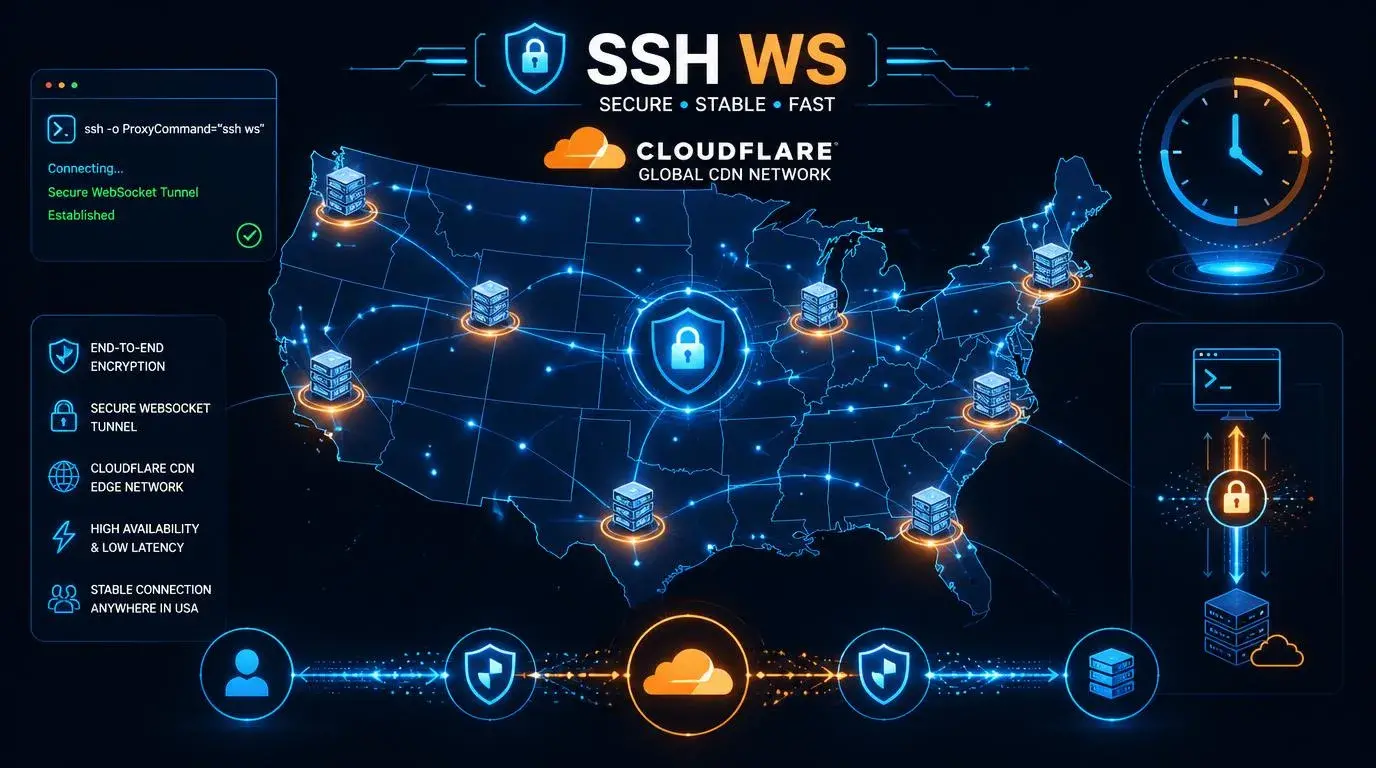
Cloudflare edge servers everywhere. Cloudflare has extensive infrastructure in the US, meaning your CDN-routed traffic benefits from optimized local routing.
How SSH WebSocket with Cloudflare CDN Works on US Servers
The architecture is the same as any SSH WS CDN setup, but with the SSH server physically located in the United States:
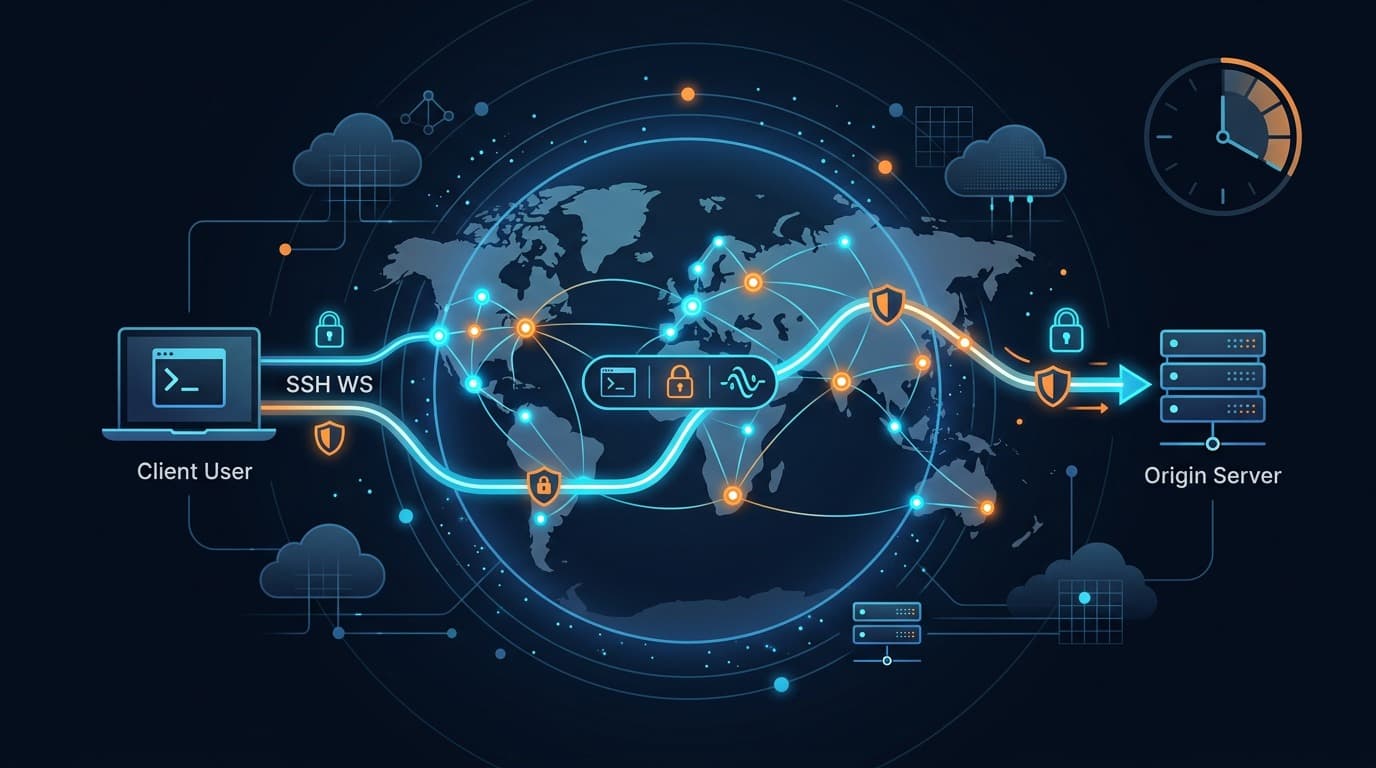
Your device connects to the nearest Cloudflare edge node using WebSocket on port 443. Cloudflare then routes that connection to the US-based SSH server through their optimized internal network. The SSH server decrypts your traffic and forwards it to the open internet with a US IP address.
From the outside, your traffic looks like regular HTTPS communication with a Cloudflare-protected website. Nothing about it screams “tunnel” or “proxy” — which is exactly the point.
Best US Server Locations
Not all US locations are equal. Here are the most popular choices and when to use them:
Los Angeles (LA): Best for users in Asia and the Pacific region. LA is a major landing point for transpacific cables, so it offers the lowest latency to Asia.
New York (NY): Ideal for users in Europe and the eastern US. New York has direct connections to major European internet exchanges.
Dallas (TX): Great central US option with low latency to both coasts. Also tends to be less crowded than LA or NY servers.
San Francisco (SF): Similar benefits to LA with slightly different routing paths. Good alternative when LA servers are full.
Miami (FL): Best for users in South America and the Caribbean.
Getting Your Free 3-Day Account
The process is quick and straightforward:
1. Go to your SSH provider and look for WebSocket CDN servers marked with a US flag or location.
2. Select your preferred city (LA, NY, Dallas, etc.).
3. Choose a username and password. Most services create the account instantly.
4. Note your connection details: hostname, port (443), SSH credentials, and the CDN/SNI host.
5. Configure your tunnel app with these details and connect.
The entire process takes less than two minutes.
Optimal Configuration for US SSH WebSocket CDN
Here is a configuration that works well for most users:
Connection type: SSH
Server: [your-us-server-hostname]
Port: 443
Payload type: WebSocket
Payload format:
GET / HTTP/1.1[crlf]Host: [cdn-host][crlf]Upgrade: websocket[crlf]Connection: Upgrade[crlf][crlf]
SNI: [cdn-host] (must match the Host in payload)
Proxy: Not needed when using port 443 directly
Speed Tips for US Servers
Pick the geographically logical server. If you are in Southeast Asia, LA will be faster than New York. If you are in Africa or Europe, New York or Dallas makes more sense.
Connect during US off-peak hours. US nighttime (around 2-8 AM EST) is when servers have the lightest load. This might be daytime for you depending on your timezone.
Test multiple hostnames. Some providers have multiple servers in the same city. They might have different load levels.
Use Cloudflare WARP-compatible settings. Some SNI hosts route through Cloudflare WARP infrastructure, which can provide additional speed benefits.
Minimize background data usage. Close auto-updating apps and cloud sync services to dedicate more bandwidth to your active use.
Common Use Cases for US Servers
Accessing US-only streaming libraries: Some content is exclusively available in the American market. A US IP address unlocks that access.
Lower latency to US-hosted games: If the game server is in the US, connecting through a US tunnel can actually reduce your ping compared to direct routing.
App testing and development: Developers often need to test their apps from a US perspective — ad delivery, content availability, and API responses can all vary by location.
Bypassing region-based throttling: Some ISPs throttle international traffic more aggressively than domestic. Routing through a US server via Cloudflare can sometimes circumvent this.
What to Expect from Free 3-Day Accounts
Let me set realistic expectations:
Speed: Typically 10-50 Mbps depending on your base connection and server load. Premium users on the same servers often get priority.
Stability: Generally good during off-peak hours. Expect occasional slowdowns during peak usage periods.
Expiration: Exactly 72 hours from account creation. After that, create a new one — takes 30 seconds.
Data limit: Most providers offer unlimited bandwidth. Fair usage applies.
Concurrent connections: Usually limited to 1-2 simultaneous devices per account.
Troubleshooting US Server Connections
High latency (>300ms): You might be connecting to a server that is geographically far from you. Try a different US city.
Frequent disconnections: Server might be at capacity. Switch to a less popular location or try during off-peak hours.
Cannot access certain US sites: Some services block known data center IPs. This is a limitation of shared servers, not a configuration issue.
Speed drops after initial burst: Some providers implement fair-use throttling after a certain amount of data. Creating a new account resets this counter.
Wrapping Up
Free SSH WebSocket CDN Cloudflare accounts on US servers give you access to premium-level infrastructure without spending anything. The 3-day rotation keeps things fresh, the Cloudflare routing keeps things fast, and the WebSocket protocol keeps things unblockable.
Whether you need a US IP for content access, want faster routing to American services, or simply prefer the reliability of US data centers, these free accounts deliver real value.
Frequently Asked Questions
Which US city should I choose for the fastest speed?
It depends on your location. Asian users should choose Los Angeles. European users should choose New York or Dallas. South American users should choose Miami.
Can I use this for Netflix US?
It might work for some content, but Netflix actively blocks data center IPs. Results vary by server.
Is the connection encrypted?
Yes. SSH provides end-to-end encryption, and the Cloudflare layer adds TLS on top. Your ISP cannot see what you are doing.
What happens after 3 days?
The account expires and stops working. Simply create a new account with a fresh username to continue.
How many devices can I connect?
Most free accounts support 1-2 simultaneous connections. More than that requires a premium account.